Follow your breath
A guided breathing rhythm to focus on as you settle in.
About breathing guides ↗Your sleep, with a little company
Set tomorrow's wake-up. Let your Watch follow the night. Make a little more sense of your sleep in the morning.
For iPhone & Apple Watch · Early access
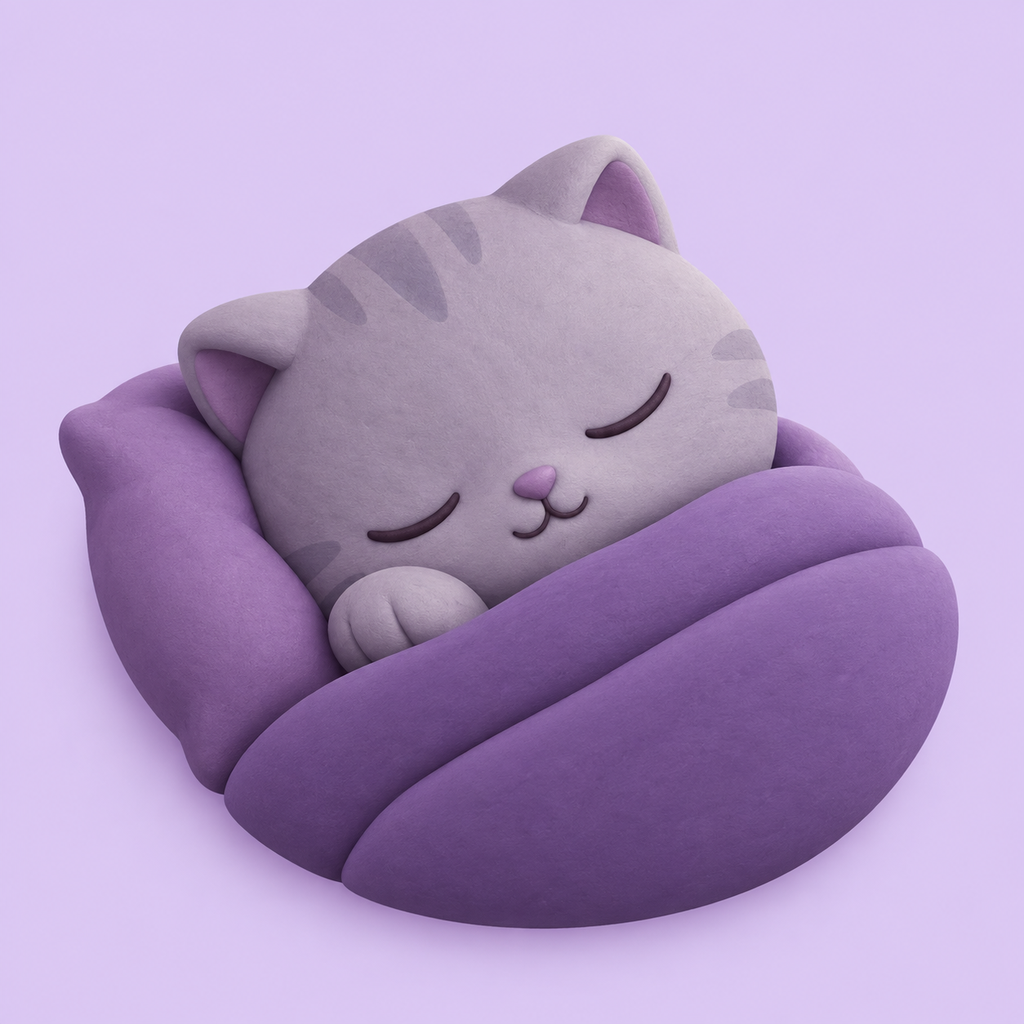
From your last scroll
to your first stretch.
Before you drift off
Pick when you need to be up. A small, sleepy friend helps you turn the time, then you're ready for the night.
Your wake preferences stay in Settings. Choose a fixed time or an earlier wake window once, and leave the everyday screen simple.
See the bedtime routineLatest wake-up
Hover to say hello. Tap or drag the numbers to change the time. You can also use the arrow keys.
Try a little nudge.
Interactive preview only. No alarm will be set.
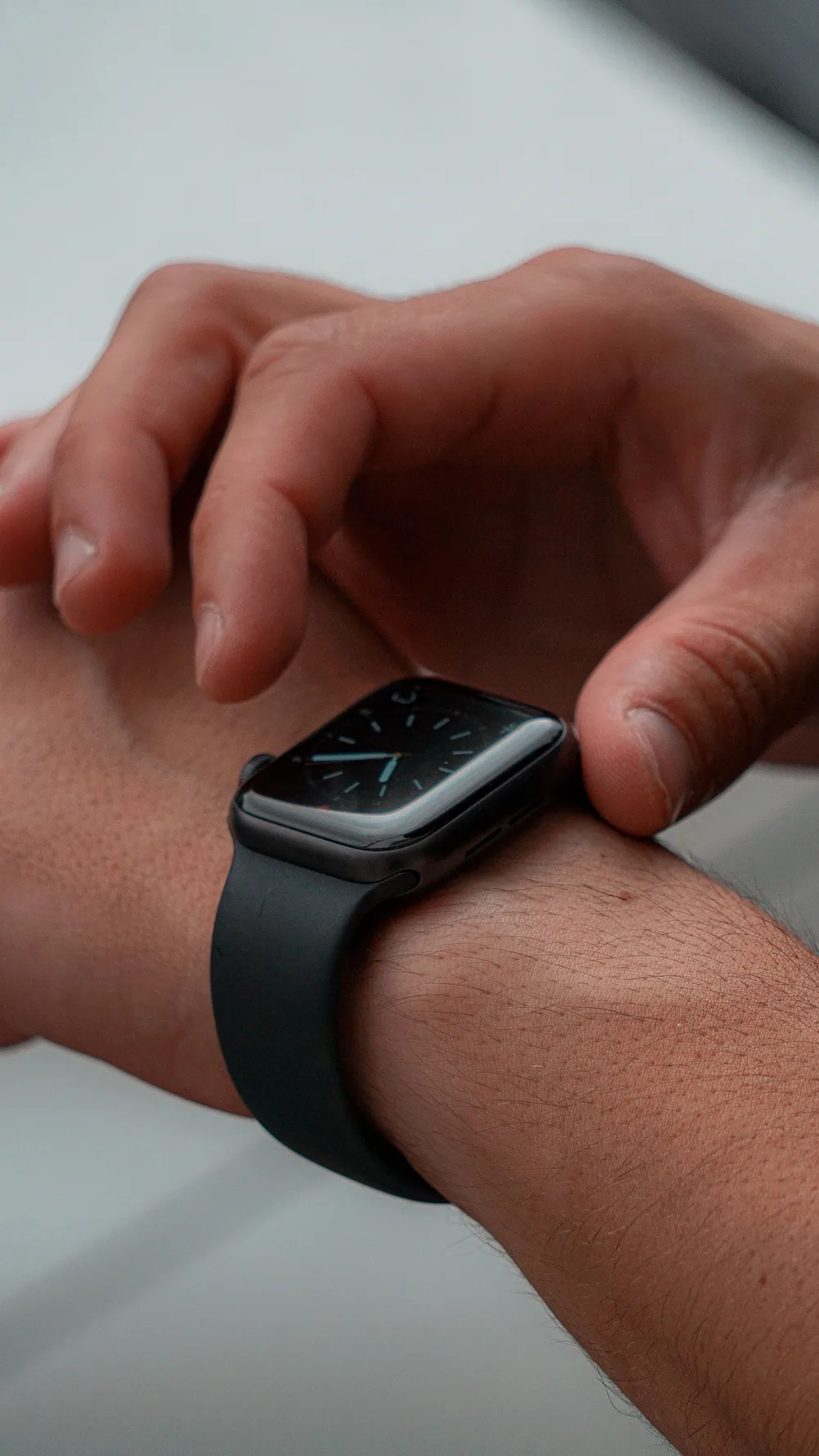
While the world slows down
Start a night on your Watch. Wrist movement and heart rate help estimate how your sleep changes.
With an early wake window enabled, your Watch looks for a suitable moment to tap your wrist. A fixed-time option is there, too.
How waking worksStages are estimates. Keep a backup alarm for an important morning.
When morning comes
See your sleep, wake-ups and estimated stages together. Look back over recent nights, then add how you feel.
Health records and the app's estimates are shown as distinct sources. Missing data stays visible, so a tidy chart doesn't hide an incomplete night.
Get to know your report7h 24m
Estimated time asleep
An example of the information you can explore.
Your own nights will look different.
A conversation about your sleep
Example conversation, not a personal recommendation.
A little understanding
Ask about your nights, explore a weekly review, or talk through your bedtime plan with the AI assistant.
AI helps explain your records. Wake-up decisions happen on the Watch, rather than waiting for a cloud conversation.
What the AI receives
A softer landing at bedtime
A guided breathing rhythm to focus on as you settle in.
About breathing guides ↗Rain-like sound and soft noise, with a timer that fades them out.
Explore wind-down tools ↗Personal by nature
Understand what stays on your devices, what syncs when you sign in, and what you choose to send to AI.
Read our data guideThe overnight monitoring and wrist wake-up features use Apple Watch. Your iPhone is where you plan, see detailed reports and use the wind-down tools.
Yes. Set your wake time, then tap “Start tonight” on your Watch and check that monitoring has started. Your wake preferences are retained.
The current app makes wake decisions locally on the Watch. The AI assistant explains records and answers questions when you request it.
Meet your sleep companion for iPhone and Apple Watch.